What is Alt-Text?
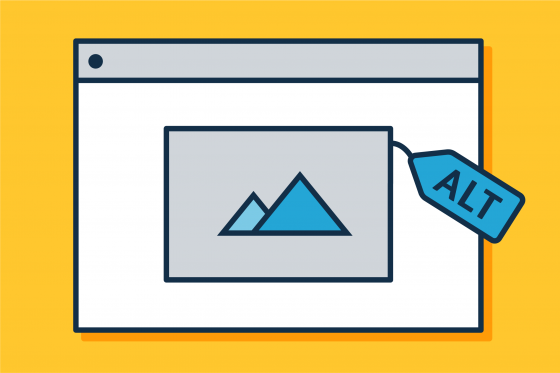
Alt-texts or alternative text, are descriptions for visuals that are embedded in documents or on websites that are shared with learners or to the wider public. These descriptions help those who are blind, have low-vision or use a screen reader for any reason to engage with the visuals in the document or website.
Why is Alt-Text Important?
Alt-texts allow those who may be blind, low vision or use screen readers to have a similar experience and same information that is shared with those who may be sighted by providing information through descriptions of the images used. The description will provide contextual information about the images, graphs, or charts used and also gives an opportunity to note if the image being used is for decorative purposes only and thus is not adding important information to the resource or slide.
The most common place you need alt-text in the context of your teaching is in the Microsoft documents created for your courses or sharing (such as Microsoft Word or PowerPoint). Another important place you will find alt-text use is in Brightspace course shells. Microsoft provides guidance on where and how to create alt-text for images. Guidance on how to embed an image and create alt-text in Brightspace is provided by the EdTech Team at CPI.
Other tools that you may use for visuals, such as Canva, have space for alt-texts as well but sometimes those alt-text descriptions do not carry over when the object created is downloaded to share in other spaces (such as on social media, in a PDF, or on a website).
If you are unsure about alt-text use on a tool, please feel free to reach out to the Centre for Pedagogical Innovation at [email protected] to discuss possibilities or to support alt-text use.
Alt-text use is very contextual. There may be some instances where you use the same image, but depending on the context, the alt-text description would be different. That is because the alt-text is supposed to describe what is important in the image in relation to what is being discussed to support those who may be blind or low vision or use screen readers for support.
The Centre for Pedagogical Innovation has guidance on accessible documentation creation, including creating inclusive alt-texts. However, here are the important things to consider:
- Describe what is in the image that is important for those engaging with the content. Smaller details may not be important in certain situations or where there is a lot of important aspects to provide already.
- Describe with detail where appropriate. For example, if you are using a chart it would be important to talk about the axis of the chart and any important details or numbers the chart is representing. These examples of inclusive alt-texts for charts and depending on context can support particular use cases. CPI is also available to support you with your alt-texts if you are unsure about what would be a useful description in a particular context.
Please contact [email protected] for more support.
The Microsoft Accessibility Checker will flag missing alt-texts on images, but it will not flag inaccurate alt-texts. This is why it is important to review visuals that you may sharing and to ensure the accuracy of those descriptions. Sometimes visual descriptions may be generated by artificial intelligence, especially if you are using stock imagery, and that artificial intelligence will not have the context of your particular use case to create an accurate alt-text.
The Brightspace Accessibility Checker will also flag missing alt-texts for you and support you on adding missing alt-text where necessary and any other accessibility features that may be missing to your Brightspace content.