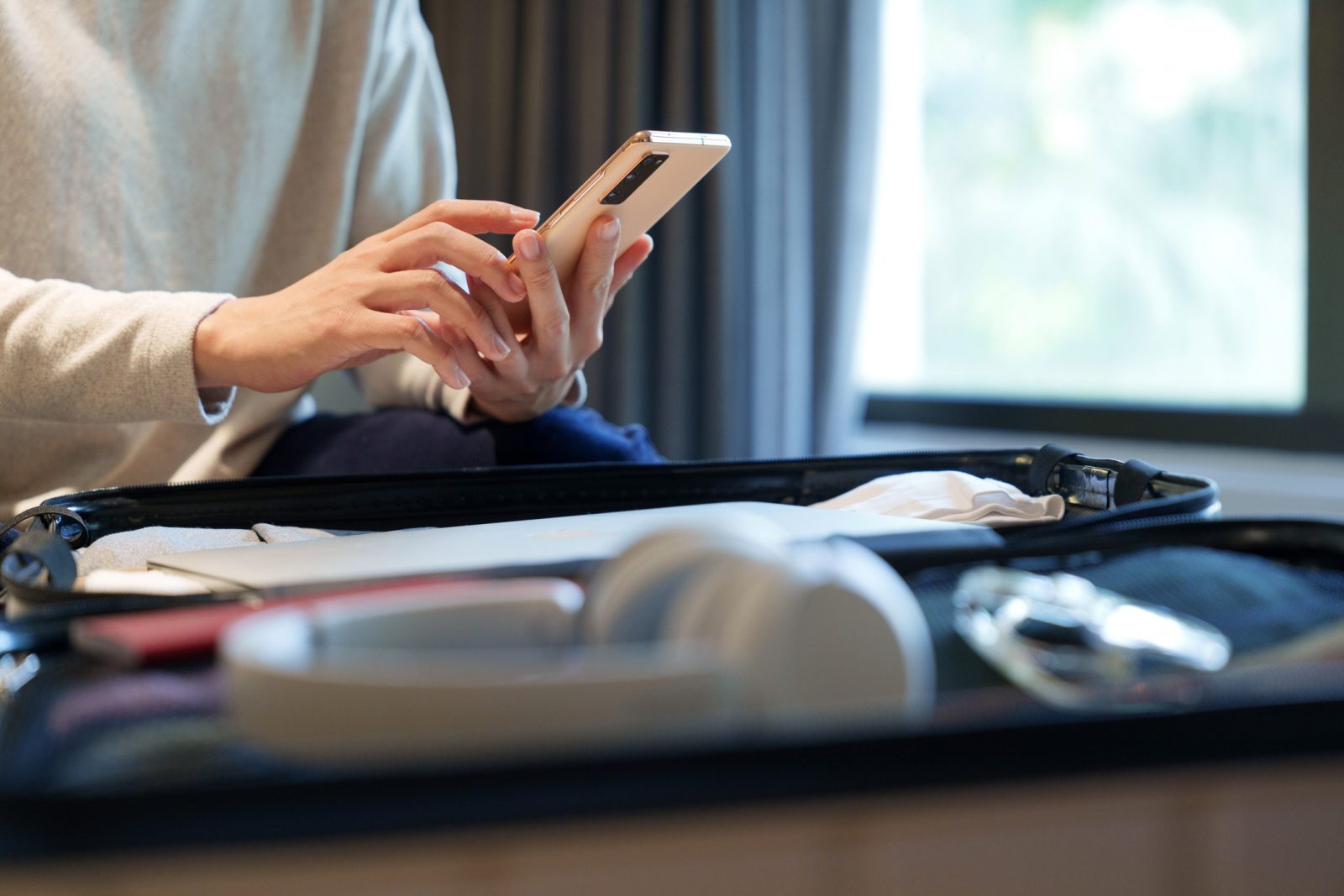
 Brock University's Information Technology Services team is sharing tips to help students, faculty and staff protect their devices and data while traveling.
As Brock students, faculty and staff enjoy the last weeks of summer, the University’s Information Technology Services (ITS) team is reminding users to protect their devices while travelling.
Securing devices before, during and even after a trip is critical for preventing cyberattacks, such as malware, from compromising personal or financial information.
Before travelling, users should:
- Set up a password, PIN or biometric option for locking their devices and enable multi-factor authentication (MFA) on accounts in case a device is lost or stolen.
- Download streaming contents while connected to a secure home network to avoid logging into accounts on unsecure networks while travelling.
- Enable anti-virus software to monitor for suspicious activity.
- Back up data to a hard drive or cloud storage to avoid losing it in case of a cyberattack like ransomware.
While travelling, users should:
- Avoid using unknown, unsecured or public Wi-Fi when accessing sensitive information and use a Virtual Private Network (VPN) if they must use Wi-Fi.
- Disable Wi-Fi on their devices when to avoid accidentally connecting to unsecured networks.
- Disable Bluetooth when not in use so cybercriminals can’t connect to their devices.
- Keep their devices with them or in a locked safe.
- Avoid public charging stations to reduce the risk of “juice jacking,” a type of cyberattack where malicious software or hardware is hidden inside a public USB charging port or cable.
After travelling, users should:
- Run a full scan with anti-virus software before reconnecting to their home networks.
- Delete unused apps and check their financial accounts for any suspicious activity.
Brock community members can also reach out to ITS with questions or forward suspicious messages to [email protected] for the IT Security team to investigate.