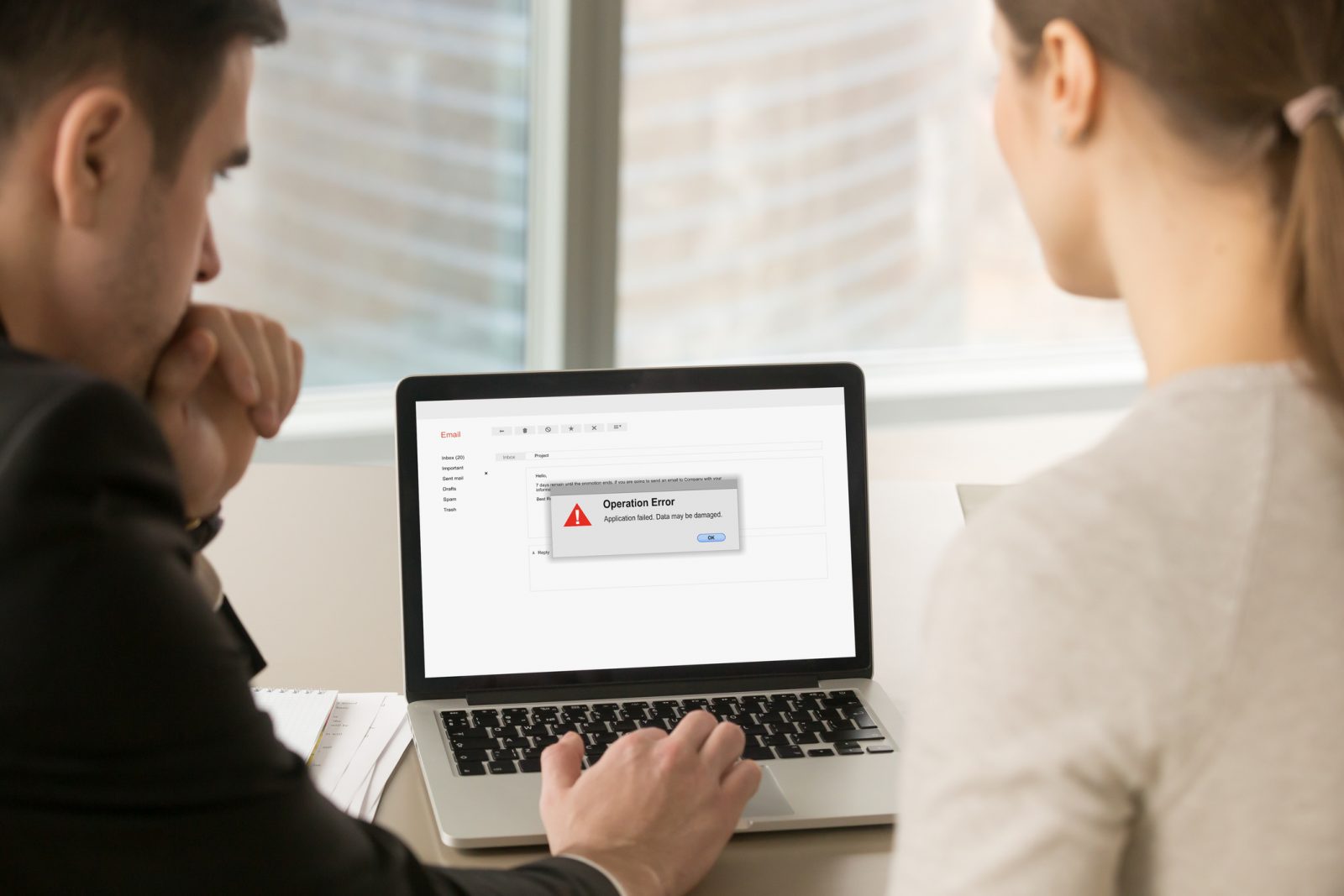
 Brock University’s Information Technology Services team is sharing tips to help students, faculty and staff protect themselves from “ClickFix” attacks.
 Brock’s Information Technology Services (ITS) team is advising students, faculty and staff to be wary of cyberscams involving fake error messages.
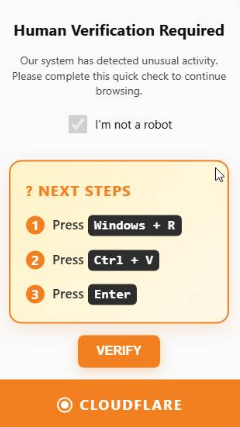
An example of a pop-up message used in a ClickFix attack.
“ClickFix” or “FileFix” scams are a type of social engineering attack that manipulate users into unknowingly running harmful commands on their devices.
These attacks often appear as fake system or browser error messages — such as a CAPTCHA message to verify the user is human, a virus alert, an error message or a browser update notice — that instruct users to follow a series of steps to fix what appears to be a problem. Instead, these steps actually bypass normal security protections and install malicious software on the device.
Steps in a ClickFix attack often include the user being instructed to click a button that secretly copies harmful command to their clipboard, open a legitimate system tool such as the Windows Run box and press CTRL + V and then the Enter key, which pastes the harmful command that launches a script.
The launched script can install malware to steal personal data, give attackers remote access to their device or cause other harm. Because the command is run through a standard system tool, it often goes undetected by antivirus software and browser security warnings.
To protect themselves from ClickFix attacks, users should:
- Be wary of messages that create a sense of urgency to act quickly, ask for unexpected steps or seem unusual, no matter how real the page appears.
- Close any suspicious website pop-ups immediately without clicking on them.
- Never copy and paste commands from unknown or suspicious sources. Legitimate websites or services will never ask users to open a system tool such as Run, PowerShell, or Terminal and paste code to fix a problem or verify their identity.
- Verify information in a suspicious or unexpected pop-up by going directly to the organization’s official website or contacting it using a trusted method.
- Keep systems and apps up to date.
- Use trusted antivirus or security software that can detect unusual activity like suspicious commands.
- Report unexpected error or security messages to the ITS team.
Members of the Brock community can reach out to [email protected] with further questions about ClickFix social engineering attacks.