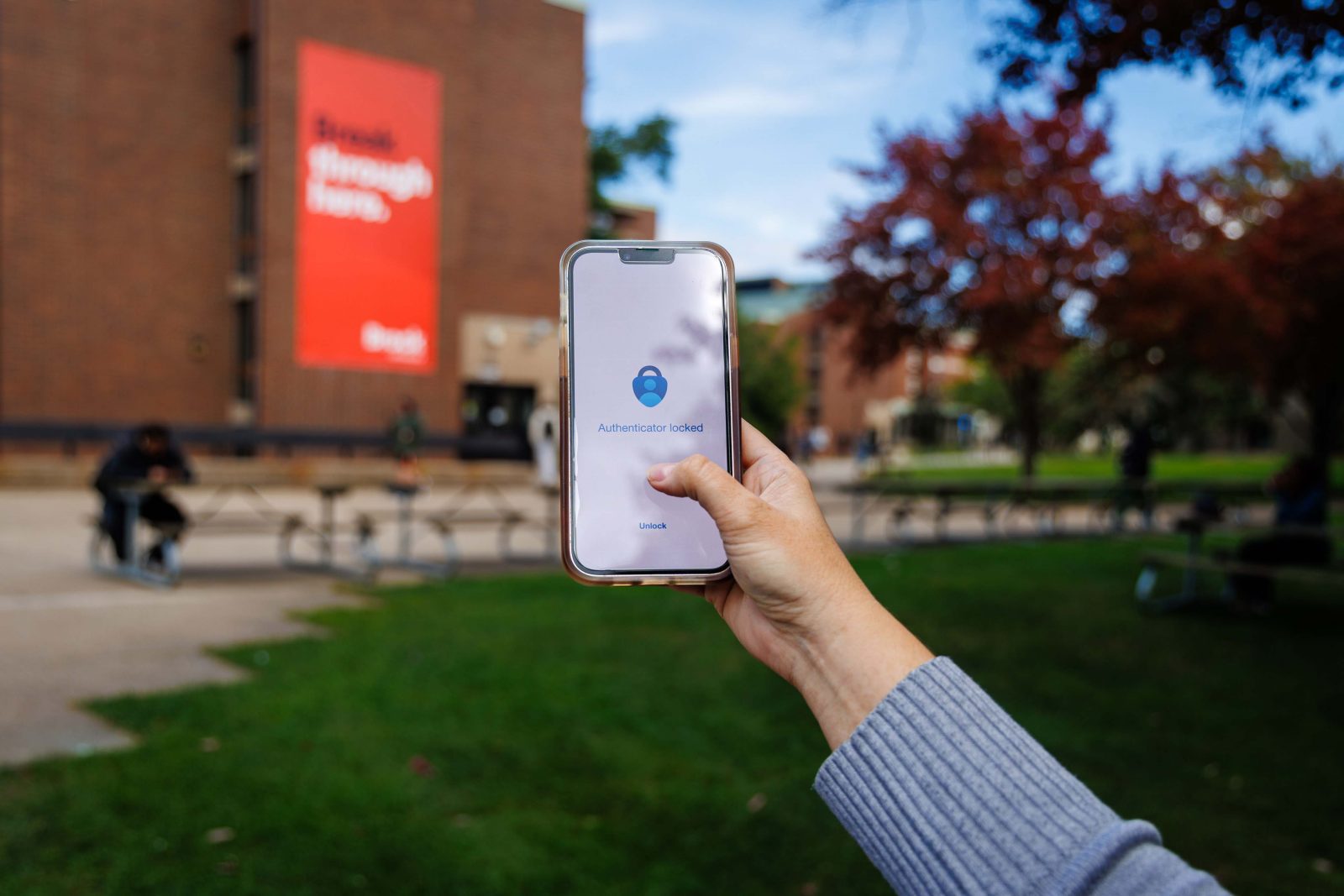
 Beginning Thursday, Oct. 1, Brock University students, faculty and staff who rely on short message service (SMS) messages and voice (phone call) for multi-factor authentication will be prompted to download and register the Microsoft Authenticator app during sign-in.
Important changes are coming to multi-factor authentication (MFA) options for Brock University students, faculty and staff.
Microsoft is retiring the use of short message service (SMS) messages and voice (phone) calls for MFA on Feb. 1, 2027. SMS and voice MFA will no longer be available for signing into Brock applications that require MFA after this date.
Beginning Thursday, Oct. 1, users who rely on SMS or voice MFA will be prompted to download and register the Microsoft Authenticator app when signing into Microsoft tools administered by Brock.
“If you currently use text messages or phone calls to verify your identity, we encourage you to set up the Microsoft Authenticator app well before February to avoid any disruption to your access,” says Associate Vice-President of Information Technology Services Anthony Betts.
For step-by-step instructions on adding the app, please see the Adding-the-Microsoft-Authenticator-App guide.
If you are a staff or faculty member who is unable to use the app, Information Technology Services (ITS) can provide a physical token for MFA.
If assistance is needed to activate the app, a physical token is required or any issues arise, please contact the ITS Help Desk at 905-688-5550 x4357 or [email protected]